
Backup SLAs
To backup your application periodically:
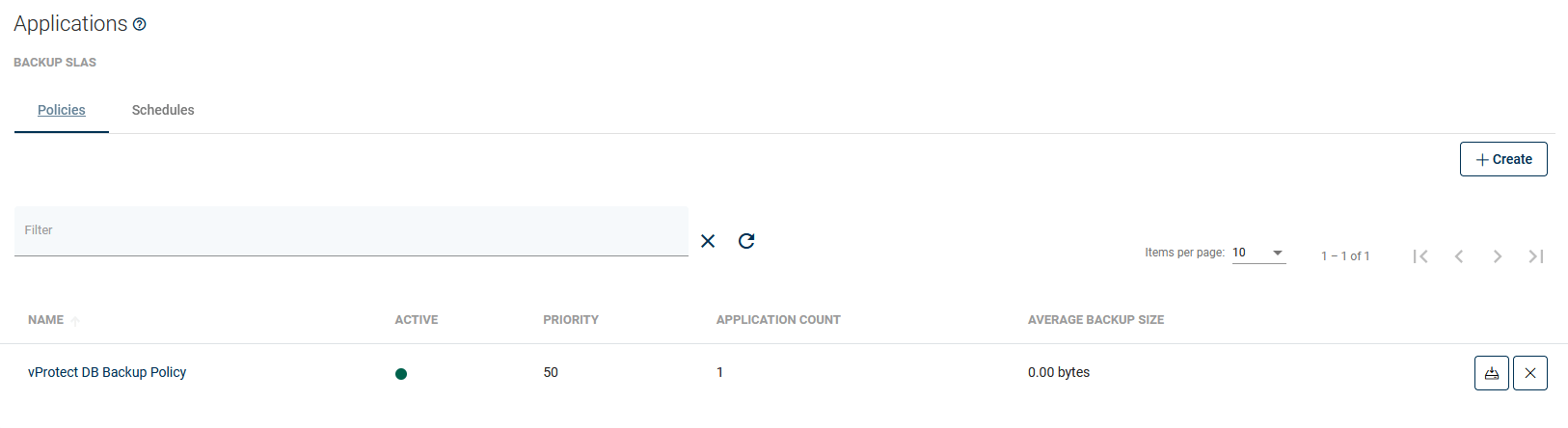
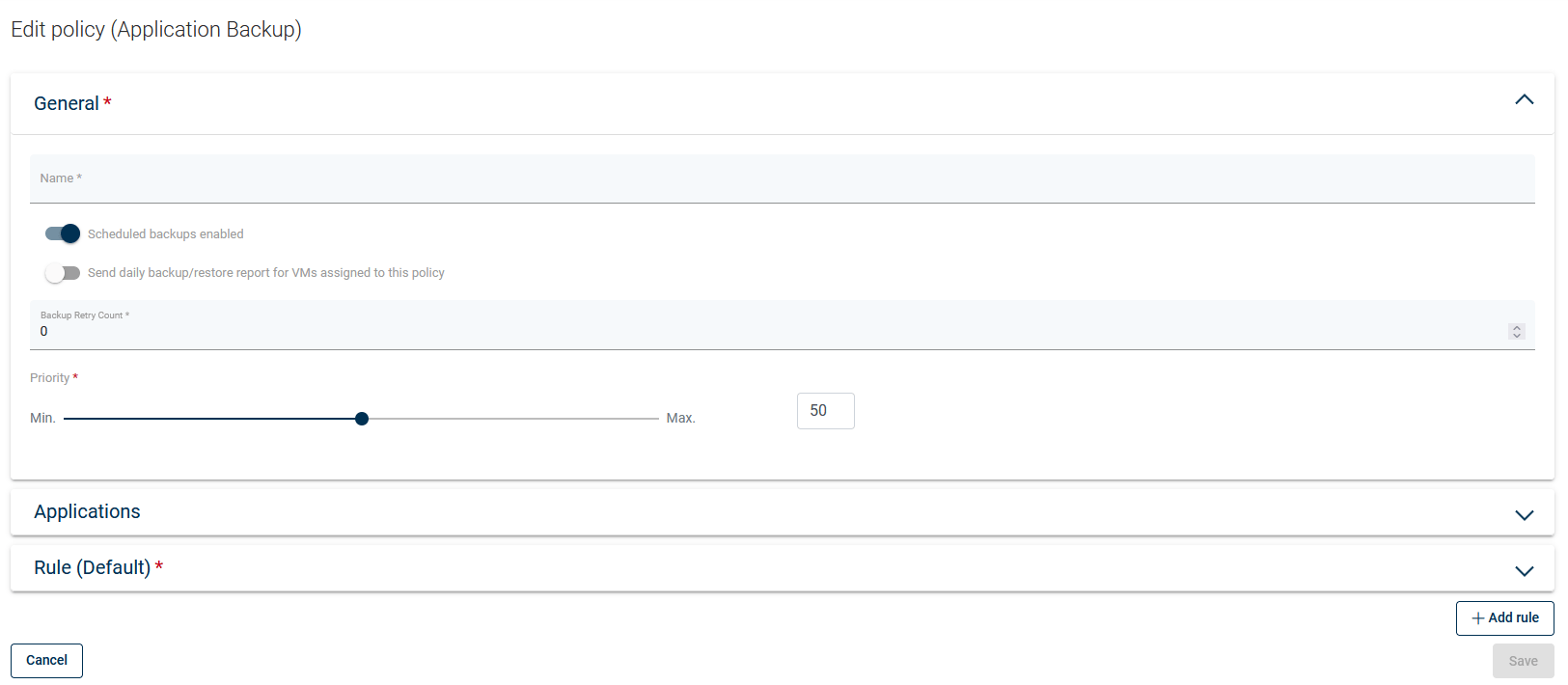
You need to create a Policy:
Go to Applications from the left side menu and then to Backup SLAs
Provide a policy name
Select your application from the list
Specify backup rule details - especially backup destination and schedules
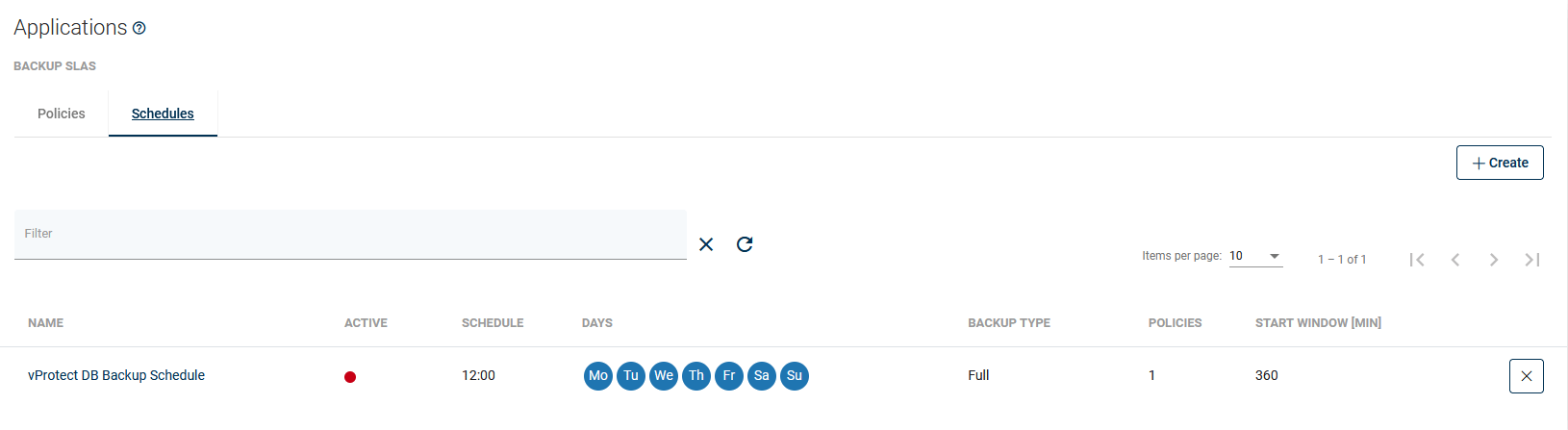
The second part is a schedule for policy:
Change tab from Policies to Schedules
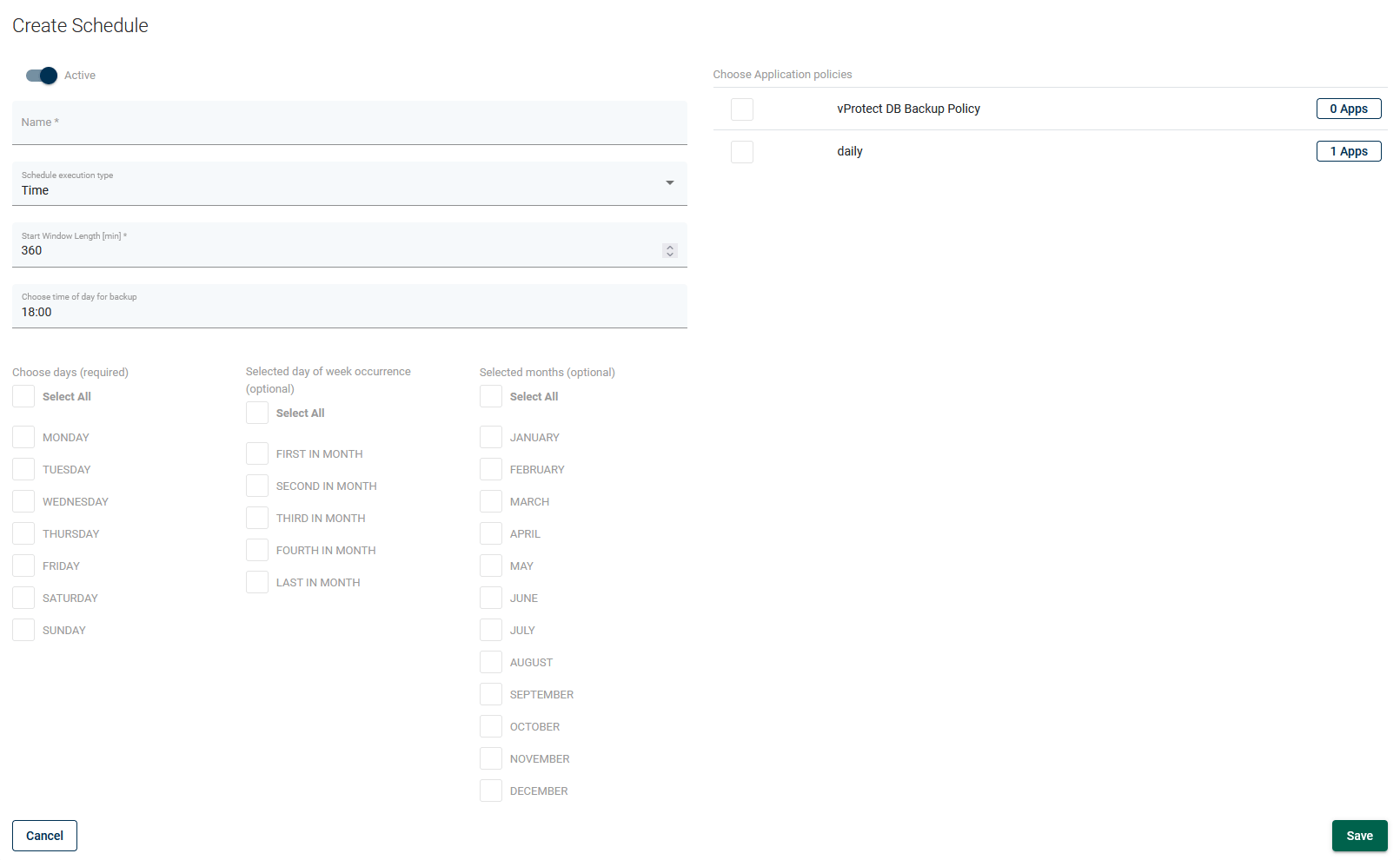
Create a new schedule for the application policy - create it just like other schedules, enter a name, choose execution time (time or interval with allowed frequency: 15–1440 minutes) and days of the week. * Optionally, you can select a policy if it already exists
Now your application backups will be done periodically according to your policy.
Last updated